'%3e%3cpath%20d='M18.3832%2018.4035L29.7497%2033.5867H22.2081L14.6665%2023.4077L7.20826%2033.5867H0L11.1999%2018.7452L0.499995%204.41617H7.99992L14.9165%2013.7494L21.7498%204.41617H28.9164L18.3832%2018.4035ZM35.4997%2012.7911L42.5413%204.41617H35.2913L31.5414%208.8328C30.333%2010.2911%2029.7497%2011.7494%2029.7497%2013.3328C29.7497%2014.9161%2030.333%2016.3327%2031.5414%2017.8327L37.2496%2024.9993L30.5414%2033.5826H37.958L41.2496%2029.4159C42.4996%2027.8326%2043.0829%2026.3326%2043.0829%2024.7076C43.0829%2023.0827%2042.4996%2021.5827%2041.2496%2019.9994L35.4997%2012.7911ZM76.0826%2018.9994C76.0826%2027.5409%2069.3743%2034.2492%2060.8327%2034.2492C52.2912%2034.2492%2045.5829%2027.5409%2045.5829%2018.9994C45.5829%2010.4578%2052.2912%203.74951%2060.8327%203.74951C69.3743%203.74951%2076.0826%2010.4578%2076.0826%2018.9994ZM69.8327%2018.9994C69.8327%2013.6244%2065.9577%209.58279%2060.8327%209.58279C55.7078%209.58279%2051.8328%2013.6244%2051.8328%2018.9994C51.8328%2024.3743%2055.7078%2028.4159%2060.8327%2028.4159C65.9577%2028.4159%2069.8327%2024.3743%2069.8327%2018.9994ZM74.7493%204.41617L90.4158%2033.5826H97.749L82.0825%204.41617H74.7493ZM140.374%2033.5826H104.916L89.2491%204.41617H96.5824L108.941%2027.4243L120.874%204.41617H125.249L140.374%2033.5826ZM115.053%2028.1659H130.782L122.924%2012.5078L115.053%2028.1659Z'%20fill='%2331CAE8'%20style='fill:%2331CAE8;fill:color(display-p3%200.1922%200.7922%200.9098);fill-opacity:1;'/%3e%3c/g%3e%3cdefs%3e%3cclipPath%20id='clip0_751_57748'%3e%3crect%20width='140.374'%20height='30.5'%20fill='white'%20style='fill:white;fill-opacity:1;'%20transform='translate(0%203.74927)'/%3e%3c/clipPath%3e%3c/defs%3e%3c/svg%3e)

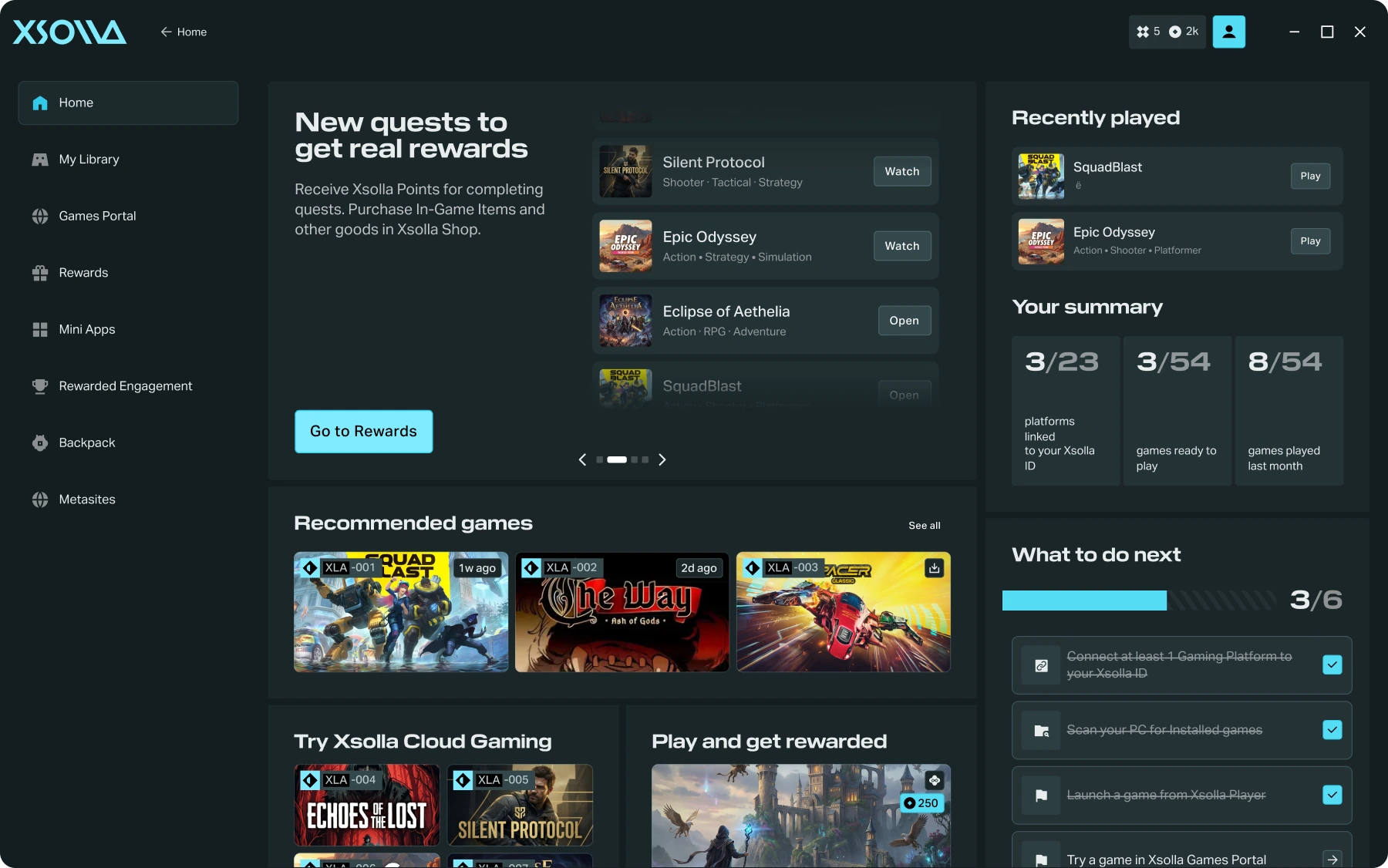
List games in Xsolla Player, where each game launches in one click alongside PC, web, and cloud titles. Reward mechanics drive every step, from install through quests to return visits, making Xsolla Player a recurring touchpoint with players.
What ships at launch
Xsolla Player
A desktop app where players browse PC, web, and cloud games and launch your title in one click, signed in with one Xsolla ID account.
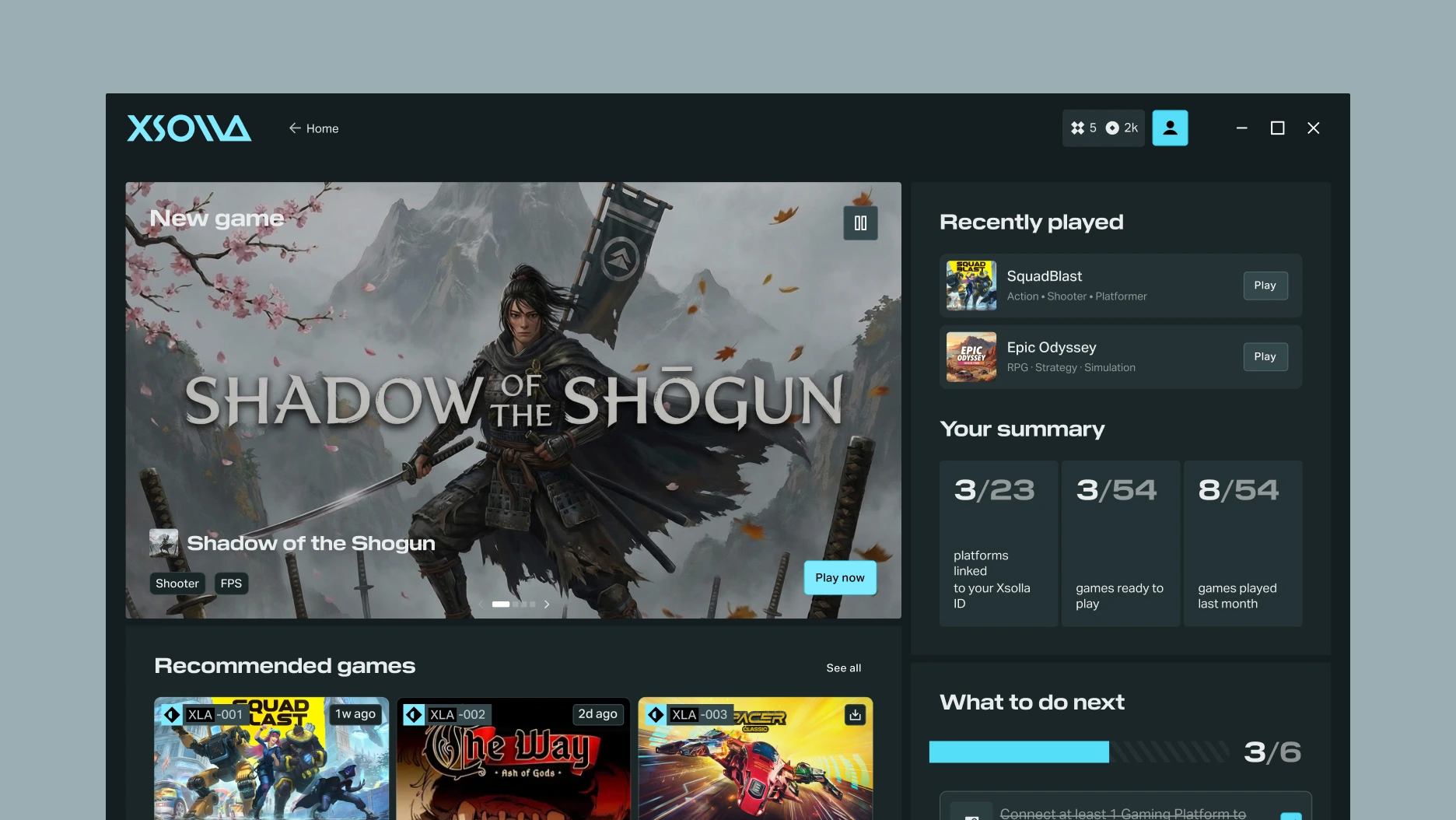
Xsolla Player
Built around the player journey
Xsolla ID
Players sign in once and play any of your games, with no repeat signups and their data kept secure.
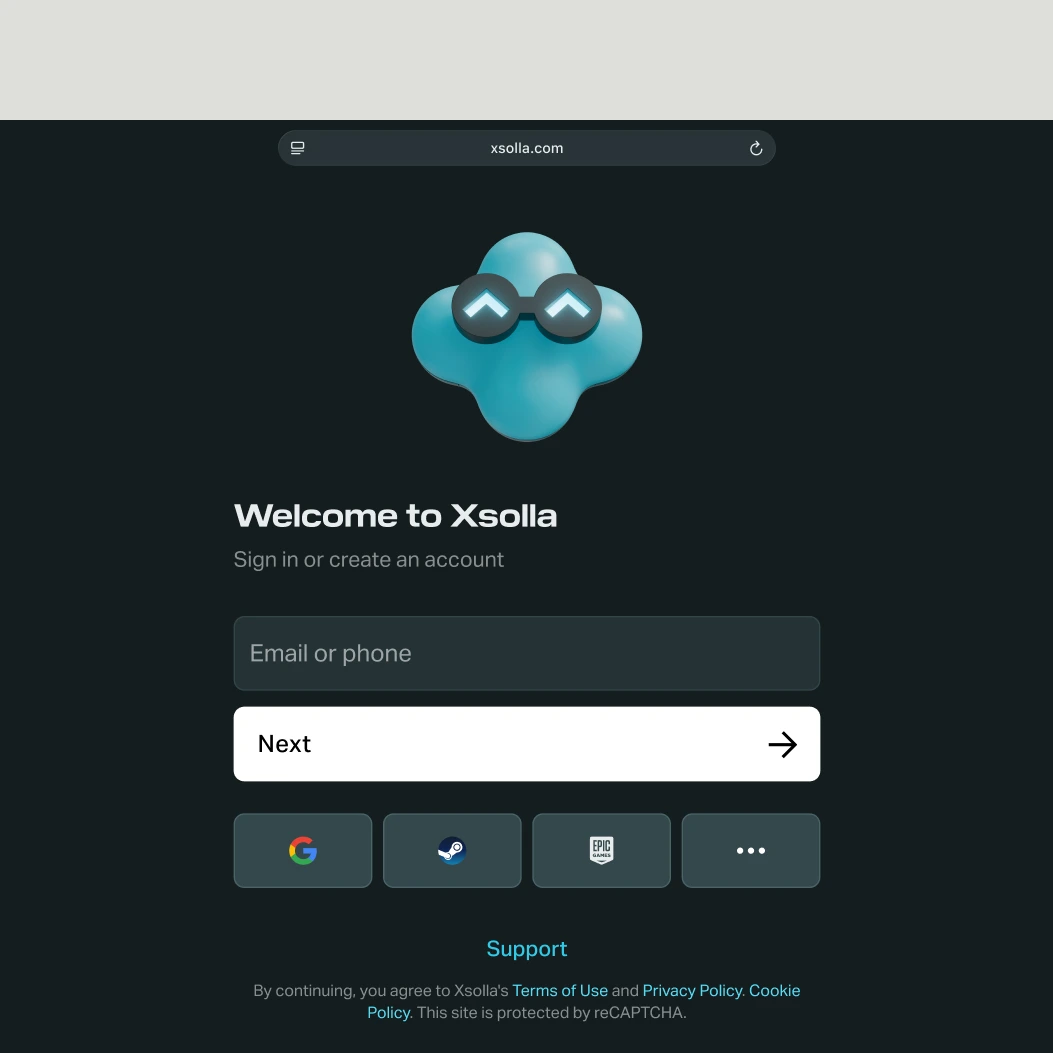
Xsolla ID


Faster acquisition, no signup friction
One Xsolla ID for every game, no separate signup per title.

Rewards that drive first play
Install, first launch, and quest completion each give players a reason to keep playing at every step.

Return visits, not paid re-engagement
Quests and return-to-play hooks repeatedly bring players back to the app and the game.

More value from every sale
Items stay in the player’s Backpack after purchase, giving players a reason to return after checkout.
Xsolla Player
Xsolla Player
Xsolla Player combines two things: a place where players find and launch games, and rewards that follow them across every session.
Who For

For PC Game Studios
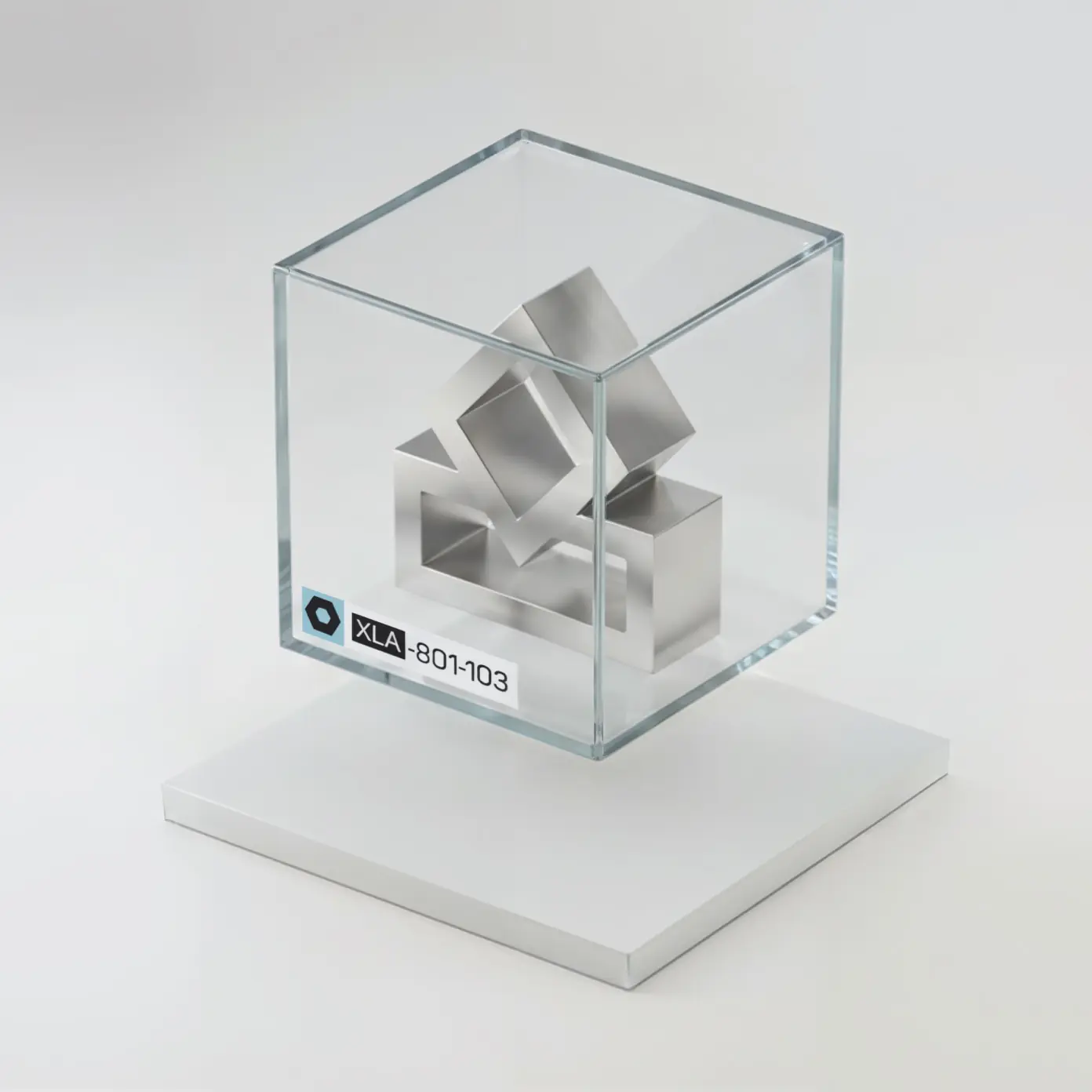
Players launch your game in one click from My Library, right next to their connected Steam and Epic games.
For Web Game Developers
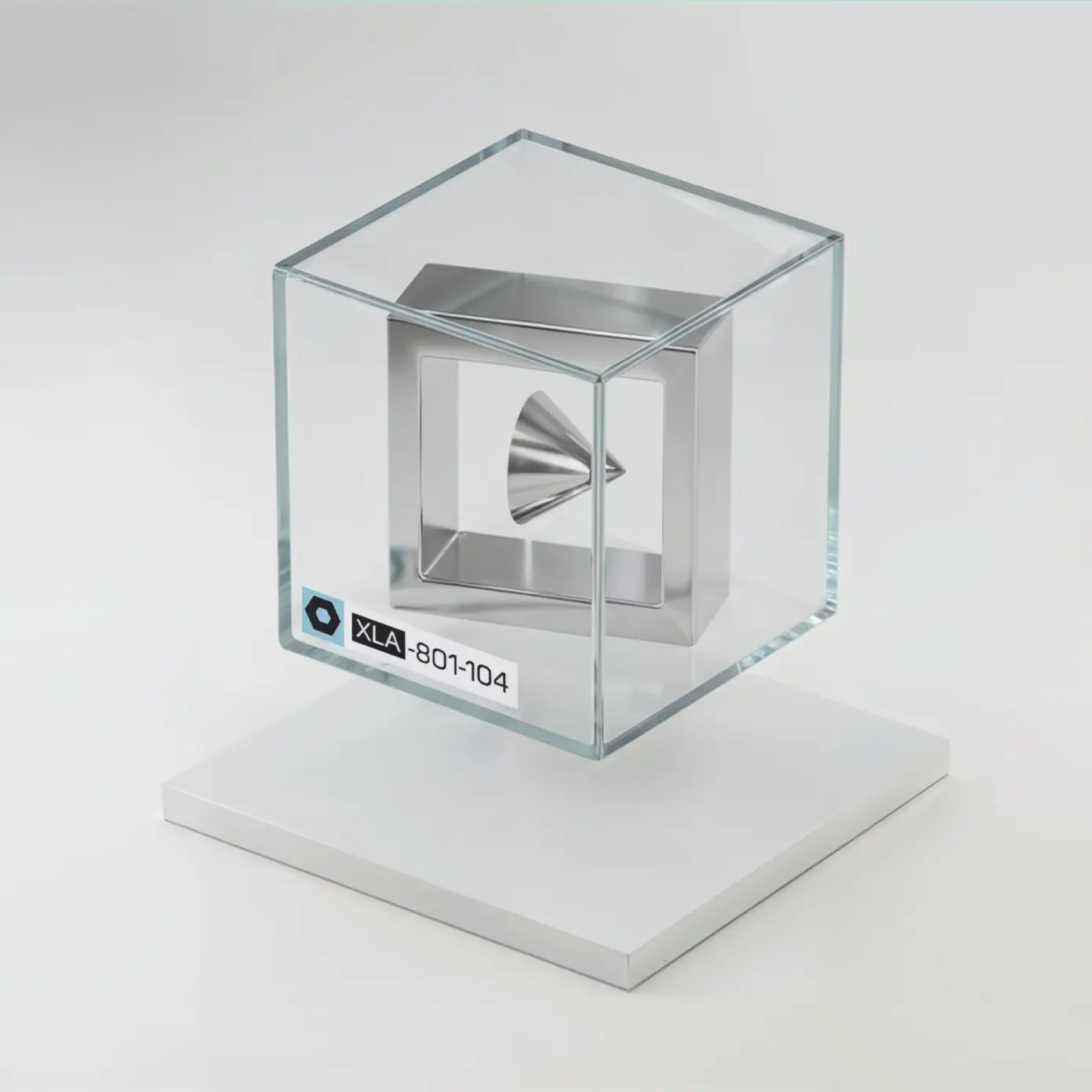
Your game plays inside Xsolla Player’s Games Portal. No download, no install.
For Cloud Game Studios
Your game streams through Xsolla Cloud Gaming. No download and no high-end hardware needed.
Backpack
Backpack
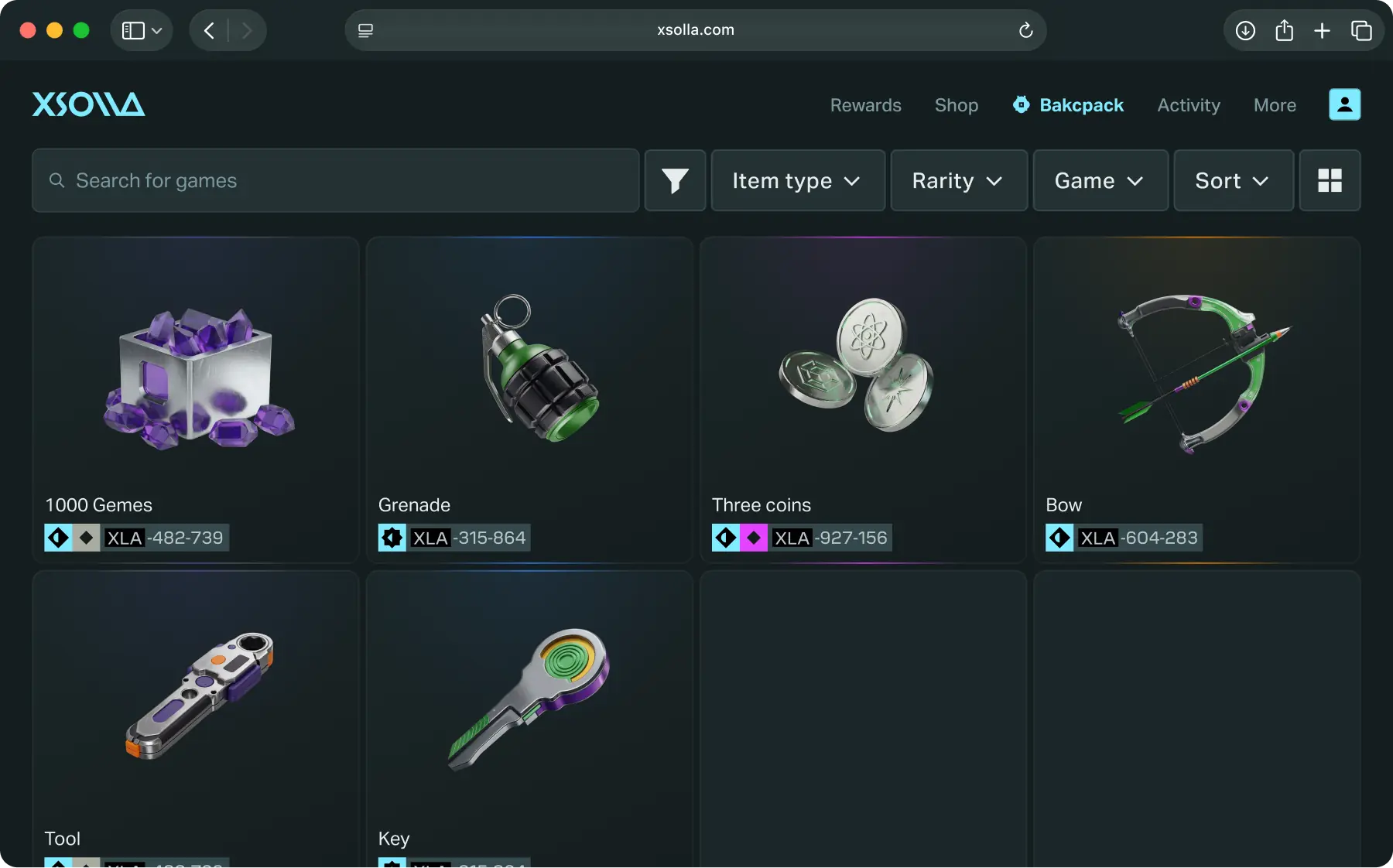
Rewards and items land in Backpack, one place for everything a player receives across all their games. They stay with the player after the session ends and remain visible while the player browses other titles.
How to set up
Publish
Register in Xsolla Publisher Account and enable your game for Xsolla Player.
Engage
Turn playtime, installs, and other actions into quests, and pair every quest with a reward.
Retain
Return-to-play quests and rewards bring players back to your game. Everything a player receives stays in their Backpack between sessions.


Xsolla Player
A desktop channel to acquire, engage, and retain PC players
Company
Quick Links
© 2006 — 2026 Xsolla (USA), Inc.